Blog
Notes on sending things well.
Product updates, privacy thinking, and small workflow ideas for people who move a lot of files.
 A Designer’s Guide to Delivering Print-Ready Artwork to Clients (With a Clean, Approval-Proof Handoff)
A practical, real-world workflow for delivering print-ready files to clients: preflight, export settings, packaging, proof PDFs, versioning, and the final file-send step that avoids “wrong file” and “can’t open it” replies.
 Google Drive vs WeTransfer for Large File Transfer: Which Is More Secure for Client Delivery?
Google Drive and WeTransfer both send large files, but they solve different problems. This head-to-head compares security controls, client experience, expiry, permissions, and when a transfer link beats cloud storage for creative delivery.
 Sending CAD Drawings and Renders to Clients: WeTransfer vs Dropbox vs Drive vs Transfer Links (Architect Comparison)
CAD sets, BIM exports, and high-res renders are heavy, version-sensitive, and often confidential. This architect-focused comparison shows when to use WeTransfer-style transfer links vs Dropbox/Google Drive, what to look for (expiry, permissions, passwords), and which option fits common handoff scenarios.
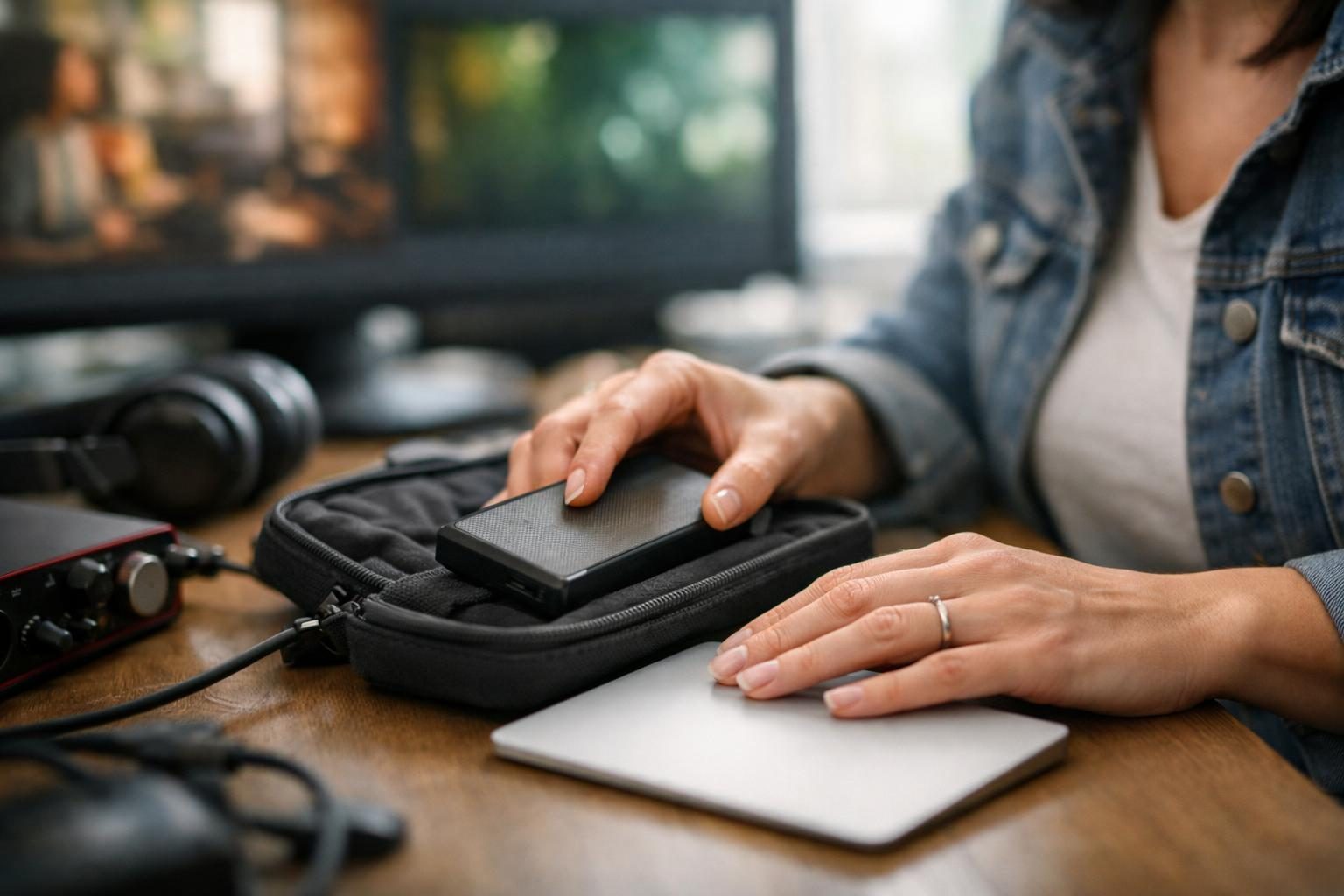 How to Share Stems and Masters With Clients: A Music Producer’s Buyer Guide (With Feature Checklist)
Sending stems and masters is not just “upload and send”. This buyer guide breaks down the features that matter for producers (versioning, folder delivery, expiry, passwords, download reliability, and client-friendly playback), plus a checklist table to compare tools without guesswork.
 11 Common Mistakes Video Editors Make When Sending Review Cuts and Final Exports (And How to Fix Them)
Review links that buffer, wrong versions that get approved, and “can you resend it?” emails are usually workflow problems, not client problems. Here are the most common delivery mistakes video editors make when sending review cuts and final exports, plus simple fixes that reduce friction and protect your work.
 How to Deliver Photo Galleries to Clients (Without Losing Quality): A Photographer’s Step-by-Step Workflow
A practical, photographer-friendly workflow for delivering galleries that download easily, stay organised, and don’t get accidentally compressed. Includes a quick delivery checklist and a summary table of common delivery methods.
 AirDrop vs Transfer Link (LetsSend): The Best Way to Send Large Files From Your Phone
Sending a big video, photo set, or project folder from your phone can be painless or a week of “it didn’t come through”. Here’s a practical, head-to-head comparison of AirDrop vs a transfer link (like LetsSend), plus which one to use for clients, collaborators, and cross-platform delivery.
 Top 7 Ways to Password Protect a File You Send Online (With Pros, Cons, and Best Uses)
A practical ranked list of the most reliable ways to password protect files before you send them online, including when to use transfer-link passwords vs encrypted archives, PDFs, and cloud permissions.
 How to Send Files That Are Too Big for Email (and 7 Mistakes to Avoid)
If your attachments keep bouncing, uploads fail at 99%, or clients can’t find the right version, you’re making one of these common mistakes. Here’s how to fix each one, and when a WeTransfer-style transfer link is the cleanest approach.
Your files are waiting.
Drop something in and watch it fly. It takes about ten seconds.
Send something